
Available features
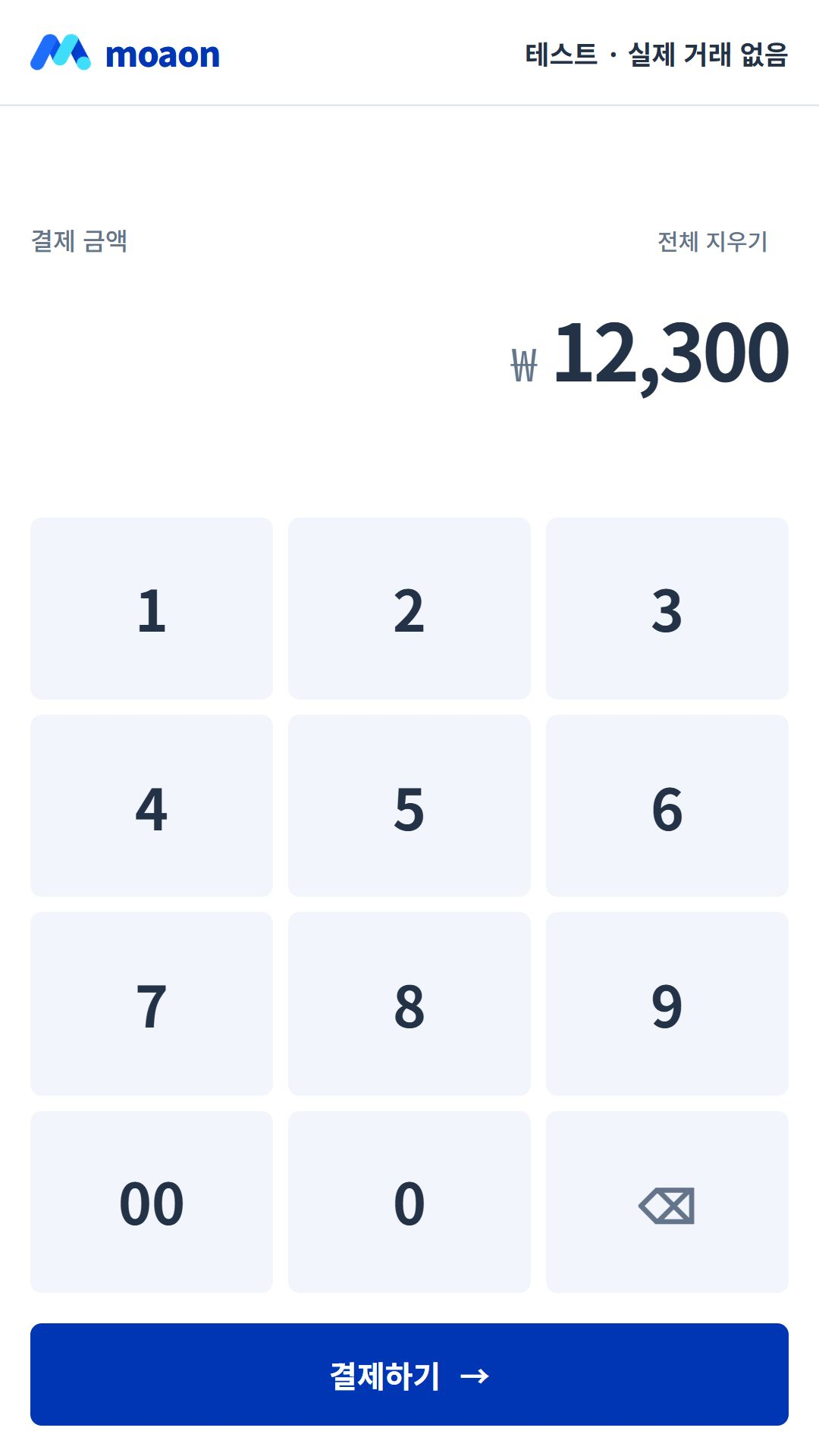
01Enter an amount
Use the soft tile numeric keypad to enter and confirm the payment amount.
Our main product · A mobile app for merchants
Enter amounts, select payment methods, view transaction history and check sales summaries. Continue your everyday store tasks on mobile.
Check supported devices, merchant approval and the conditions for each payment method. Installing the app does not automatically enable every payment method.
Features in the current product
Use the soft tile numeric keypad to enter and confirm the payment amount.
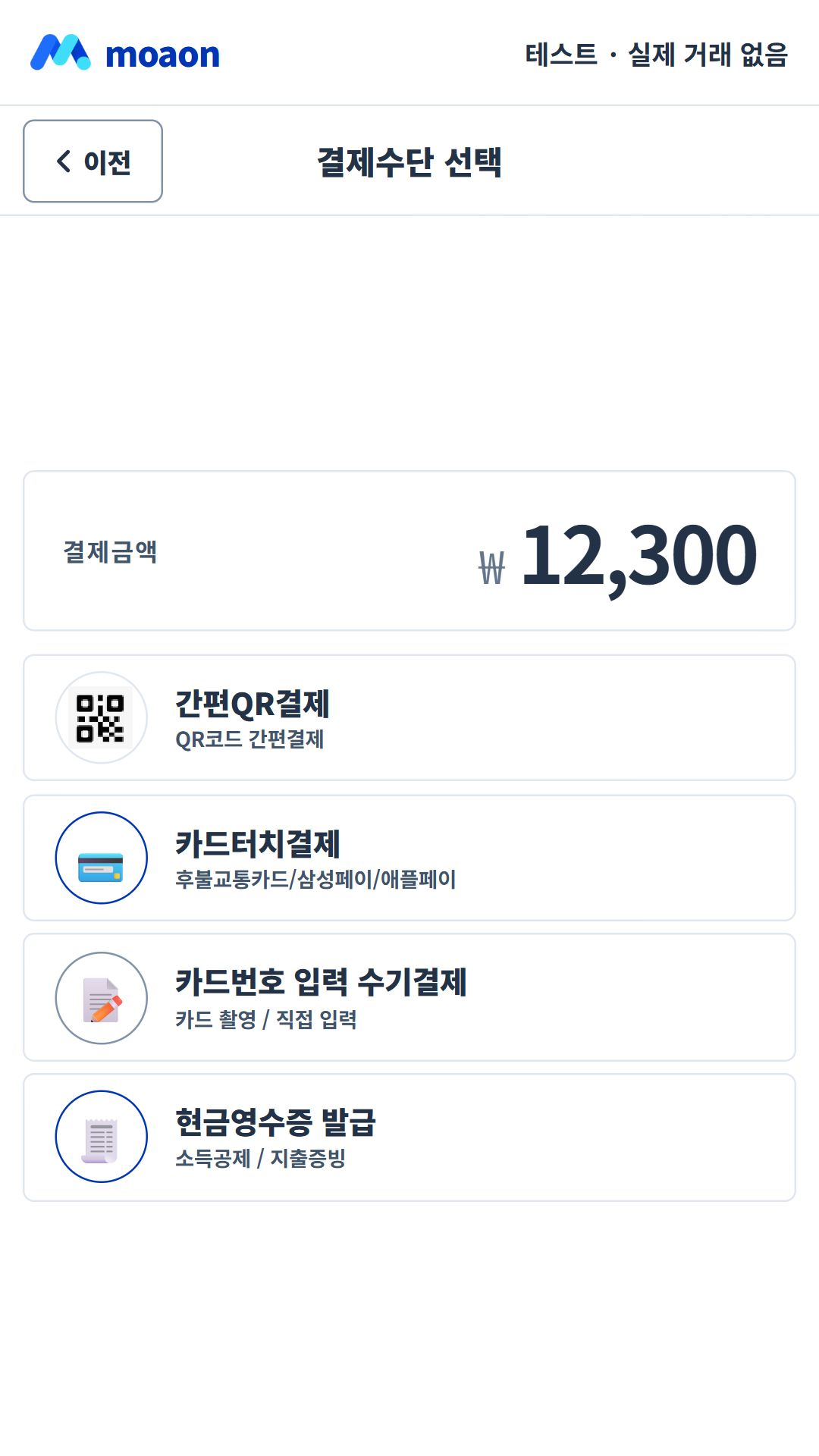
Select a method approved and configured for your merchant account, then follow the on-screen instructions.
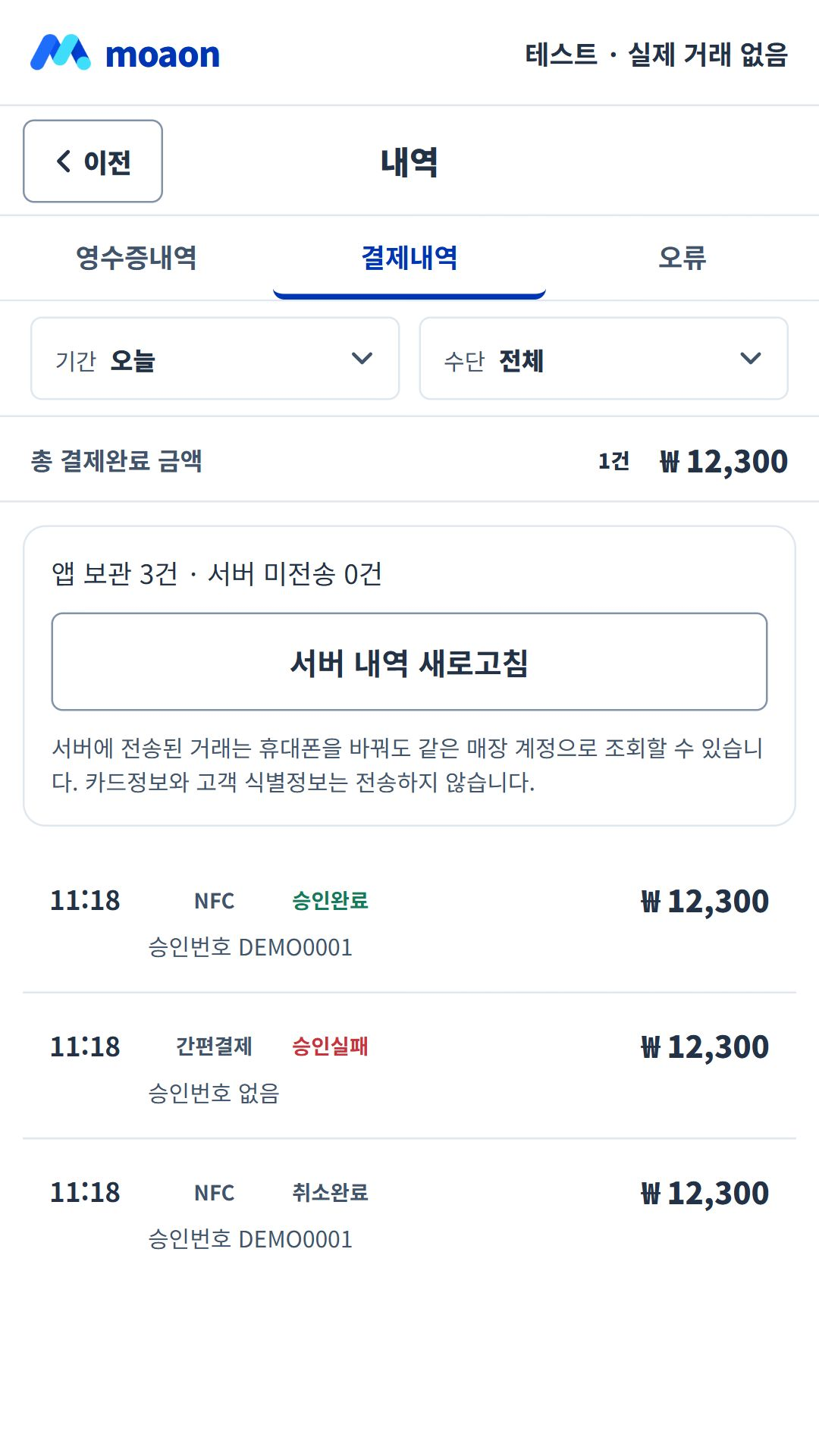
Check individual transactions and their details.
Review transactions and sales information to support your store operations.
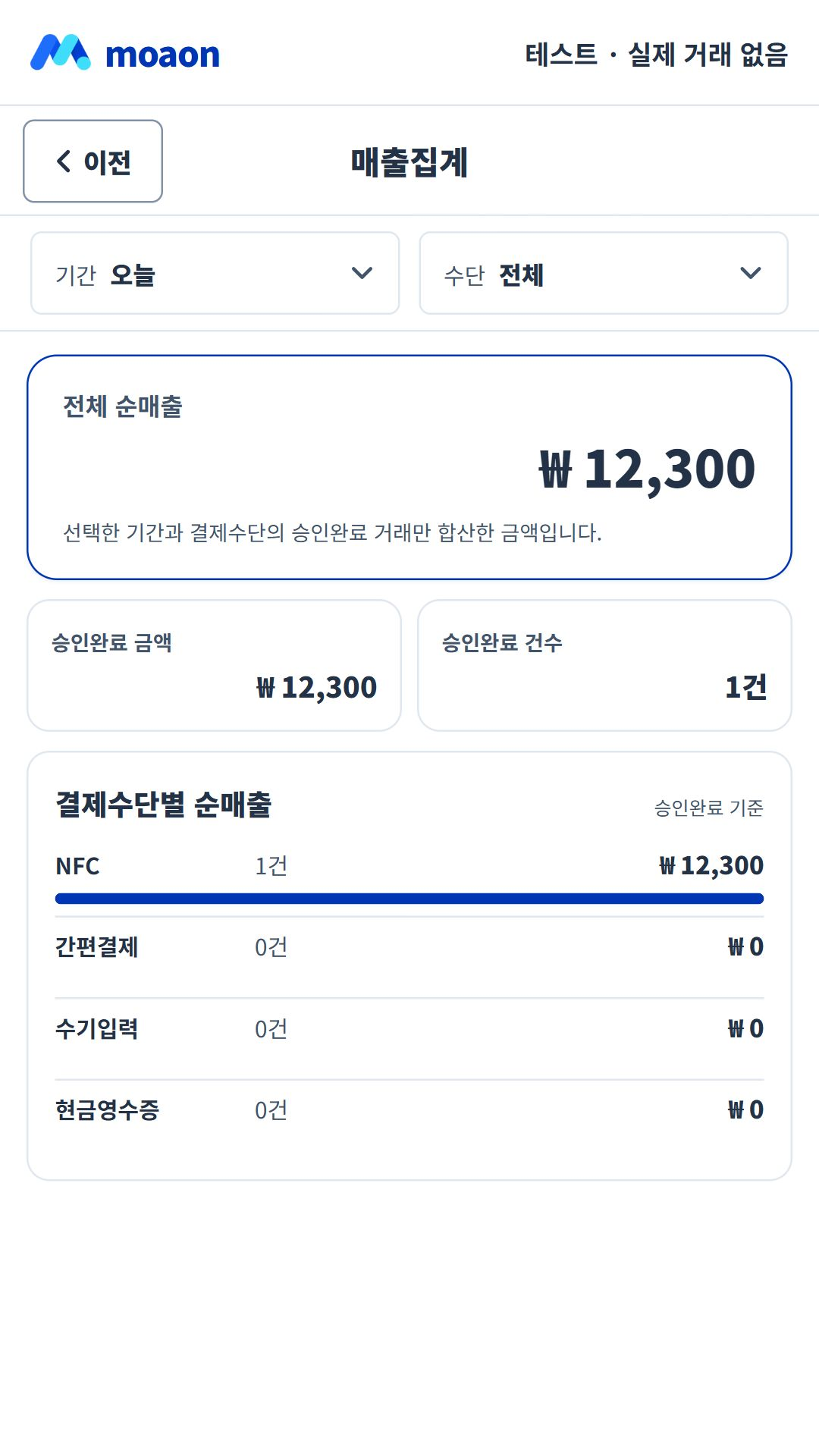
Screenshots show the current Korean app UI with test data. They contain no real customer or payment information.
Check supported devices, merchant approval and the conditions for each payment method. Installing the app does not automatically enable every payment method.
From installation to your first use
The online guide and downloadable documents follow the same usage flow. Check the requirements for your application type before submitting documents.
From app to platform · Planned expansion
The items below are development and integration plans, not features currently available in the app. Scope and timing depend on implementation and partnerships.